Products

 Products Overview
Newsela products are purpose-built to unlock student motivation, inspire teachers, and drive long-lasting learning outcomes.









Resources
About
Products OverviewNewsela products are purpose-built to unlock student motivation, inspire teachers, and drive long-lasting learning outcomes.

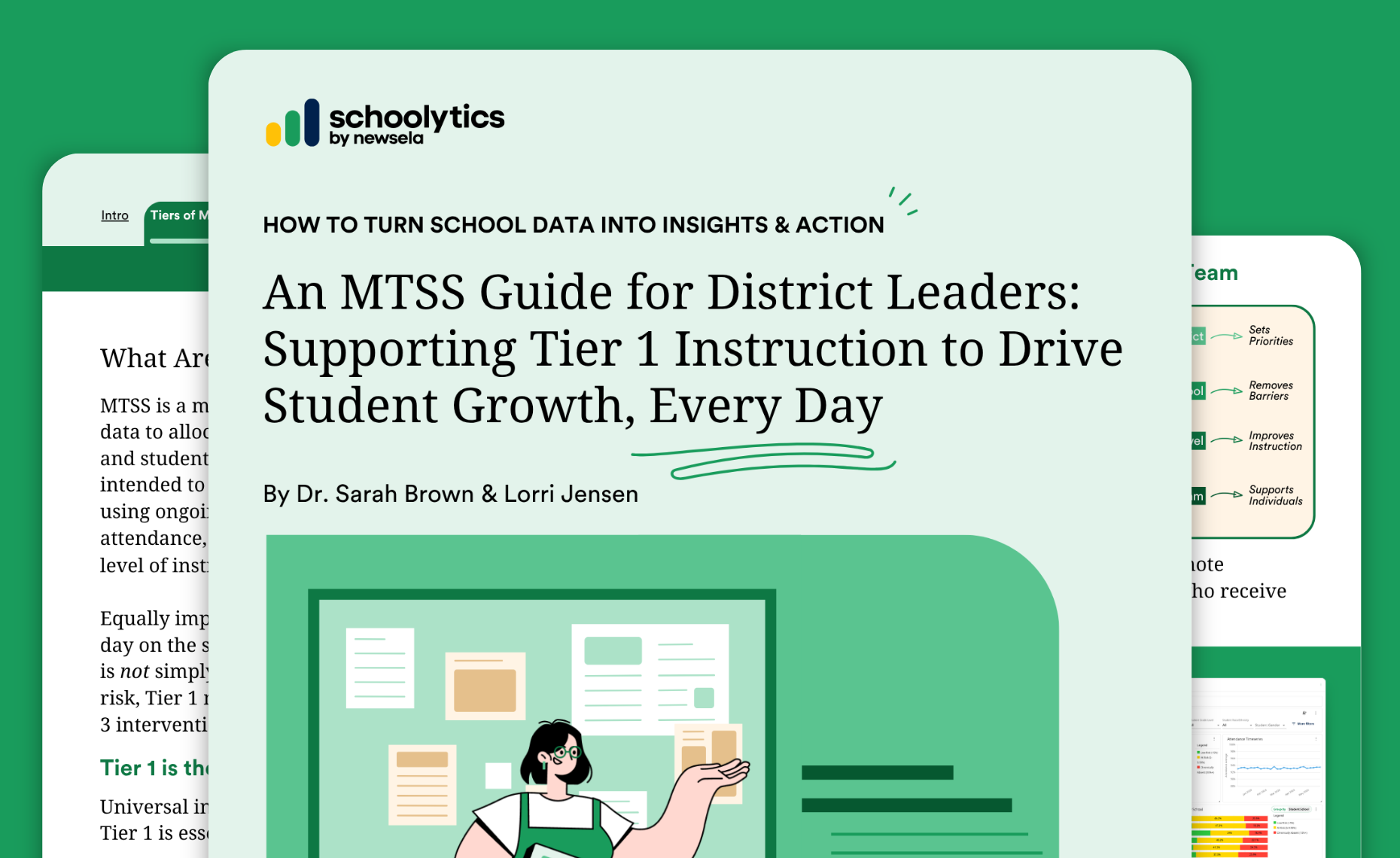
NEW Schoolytics by EveryDay Labs brings together student data, MTSS management, and tools to improve attendance.
Join the 30-minute live demo on November 12: 2:30pm ET/11:30am PT
NEW Schoolytics by EveryDay Labs brings together student data, MTSS management, and tools to improve attendance.
Join the 30-minute live demo on November 12: 2:30pm ET/11:30am PT
NEW Schoolytics by EveryDay Labs brings together student data, MTSS management, and tools to improve attendance.
Join the 30-minute live demo on November 12: 2:30pm ET/11:30am PT
NEW Schoolytics by EveryDay Labs brings together student data, MTSS management, and tools to improve attendance.
Join the 30-minute live demo on November 12: 2:30pm ET/11:30am PT