
Products

 Products Overview
Newsela products are purpose-built to unlock student motivation, inspire teachers, and drive long-lasting learning outcomes.








Resources
About
Products OverviewNewsela products are purpose-built to unlock student motivation, inspire teachers, and drive long-lasting learning outcomes.
For new users or anyone who needs a refresher
Turn usage data into instructional support
Choose your pathway for any grade level
Build flexible instruction for classroom and district goals
Get started in 30 minutes.
Learn the essentials, complete your first activity, and leave ready to use Newsela or Formative with your students. PD certificate included. All live attendees are entered into a raffle for a chance to win a $150 gift card!



Yes. Back-to-School Kickoff is a free virtual PD webinar series.
Back-to-School Kickoff is designed for teachers, instructional coaches, school leaders, and district leaders looking for practical ways to build strong routines for the new school year with Newsela and Formative.
Yes. You can register for as many sessions as you’d like and build an agenda that fits your role, goals, and schedule.
Review the session descriptions and choose the sessions that best match your role and goals. You can attend foundational sessions if you’re new to Newsela or Formative, admin sessions if you support implementation, or deep-dive sessions if you’re looking for subject-specific or instructional strategies.
Yes. All live sessions, except for the Keynote, are eligible for a PD certificate.
If you attend a live session, you’ll receive your PD certificate by email after that day’s sessions have ended.
If you attend sessions on multiple days, you may receive more than one email. Please allow up to one week for your certificate to arrive. If you have not received it after one week, please contact Newsela Support for help.
At this time, PD certificates are only available for attendees who join sessions live. Recordings will still be available on demand so you can continue learning at your own pace.
Yes. Recordings will be available on demand after the event. Please note that PD certificates are only available for live attendance at eligible sessions.
You do not need a paid subscription to register for Back-to-School Kickoff. Some sessions may include product walkthroughs or examples, so we recommend logging in ahead of time if your school or district provides access to Newsela or Formative.
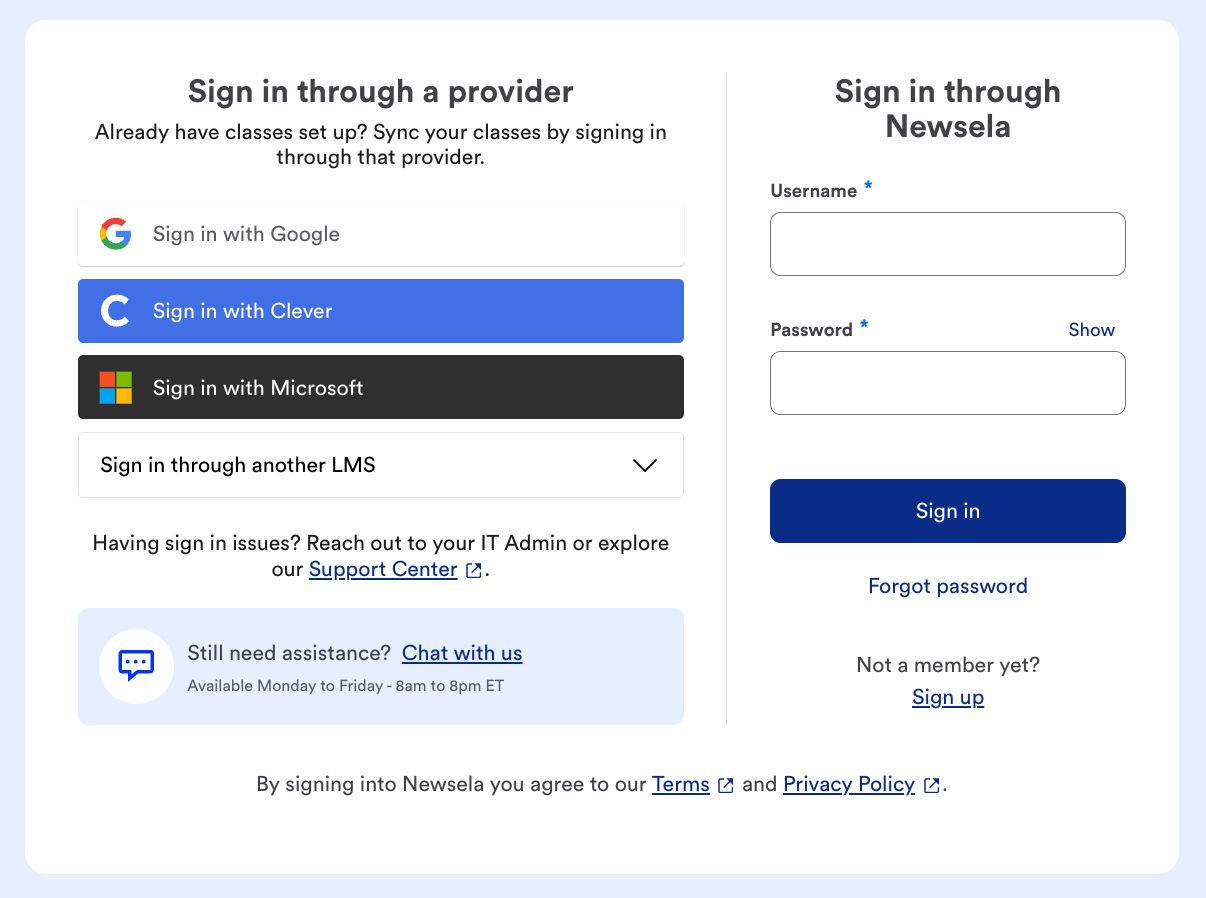
If you don’t currently have access and would like to explore Newsela, you can sign up for 45 days of free access by selecting Sign Up under “Not a member yet?”
First, check whether your school or district provides access to Newsela and/or Formative. If they do, use your school’s preferred login method, such as Clever, Schoology, Google, or another district-supported option.
If you are still having trouble, visit the Newsela Help Center or select “Chat with us” on the sign-in page for support.
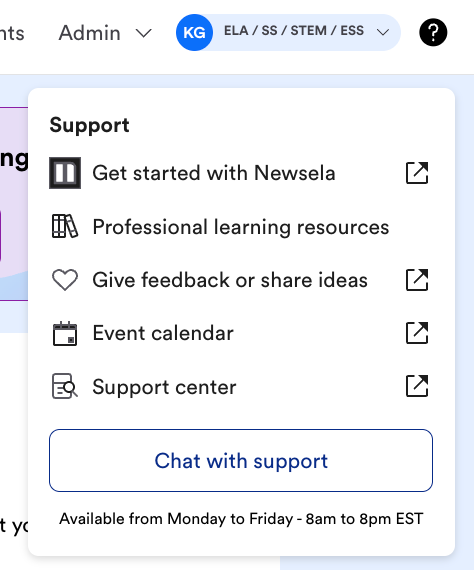
Once you are logged in, click the ? icon, then select “Chat with support.” Fill out the requested fields, and a member of the support team will help you.
See information regarding the Kickoff giveaway here.
.png)
.png)
.png)
.png)
.png)
.png)
.png)
.png)
.png)
.png)